
 Music Production
Recording Drums at Home: The Basics That Matter
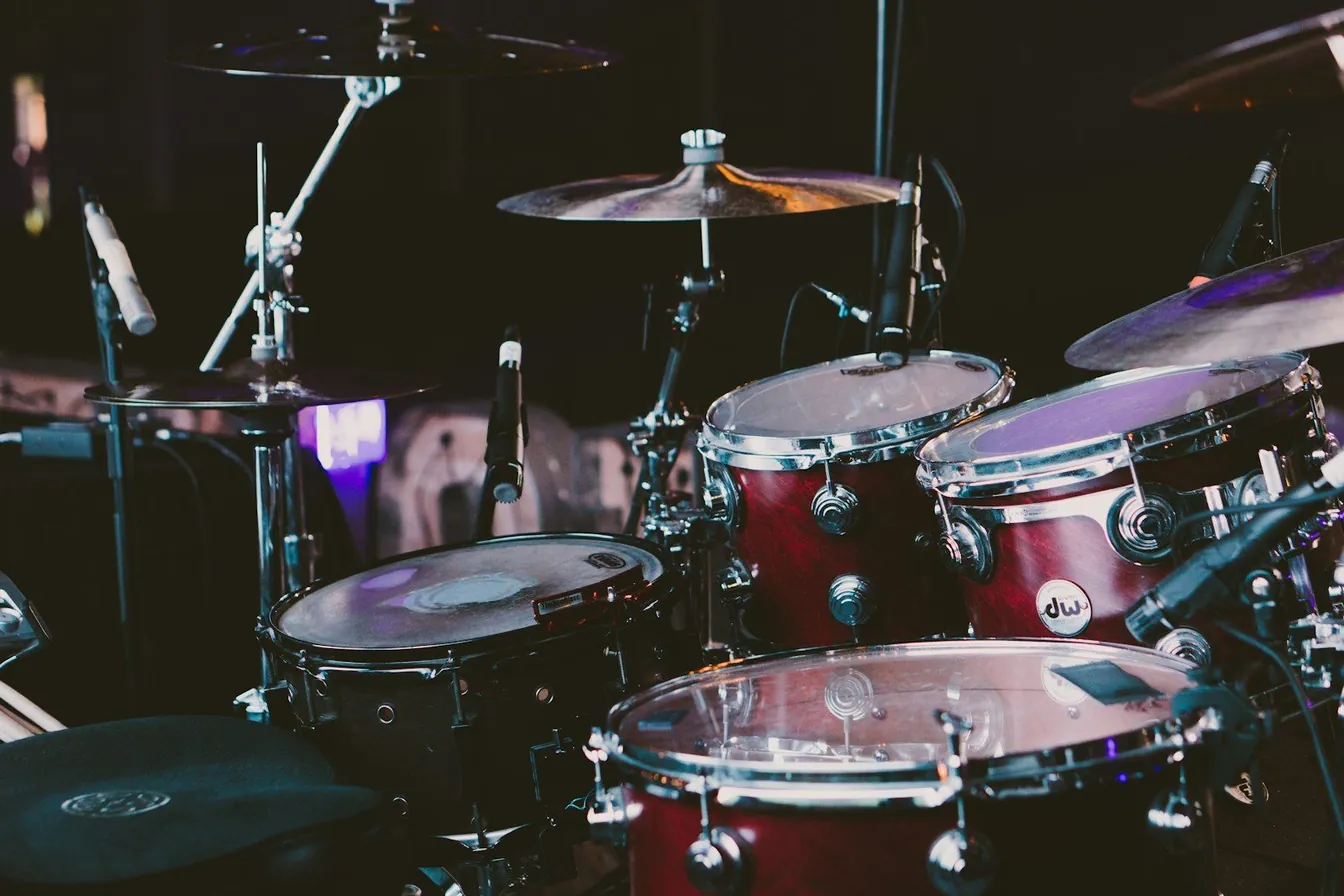
Drums are the loudest, most spatially complicated instrument you will ever record at home. The basics that matter most happen before any microphone is set up.
Home drum recording succeeds or fails on three things: the instrument itself, the room, and a small number of well-chosen microphones placed sensibly. This guide gives you the sequence professionals follow, scaled down to what a house and a modest interface can handle.
Tune the kit and pick the room first
Fresh heads, evenly tuned, with no rattling hardware, make an average microphone sound good; a badly tuned kit defeats a great one. Damp rattles, mute sympathetic buzzes and choose the room with the highest ceiling and fewest parallel hard surfaces you can spare. Hard floors add a nice early reflection for drums; heavy curtains and a duvet on nearby walls tame the worst slap. In small rooms, controlling the space around the kit usually sounds better than chasing a big room tone you do not have.
The minimal microphone setup that works
- Kick: a dynamic microphone inside or just in front of the port hole, pointed at the beater.
- Snare: a dynamic aimed at the centre of the top head, angled away from the hi-hat.
- Overheads: two condensers as a matched stereo pair, spaced evenly above the kit, high enough to hear the whole set.
Four inputs capture a genuinely usable kit. The overheads carry cymbals, toms and overall balance, while kick and snare add weight and snap underneath. Check that the overhead image centres the snare before you commit.
Phase and bleed: the two invisible problems
Because every microphone hears every drum, small timing differences between channels hollow out the combined sound. Keep the overheads equidistant from the snare, try the polarity flip on your kick and snare channels and keep whichever setting sounds fuller. Bleed is normal and mostly desirable; what you want to avoid is a hi-hat drowning the snare microphone, which a small angle change fixes faster than processing ever will.
Levels and the loudness reality
Drums produce extreme transients, so set gain with the drummer playing at performance volume and leave generous headroom; a clipped cymbal hit cannot be fixed later. Ask for consistent playing dynamics rather than chasing faders mid-take. Record a short test of the full kit, listen back on headphones at the drums and adjust placement while the drummer still has energy left.
When two inputs, electronic kits or hired rooms make sense
With only two inputs, a stereo overhead pair plus careful tuning and damping records a surprisingly honest kit. Electronic drums or hybrid kits with samples solve noise problems in flats but rarely feel identical; many producers track feel at home and reinforce sounds later. For records that need a full, punchy kit in a real room, booking a session with an engineer who records drums weekly is the fast route; our music production service covers exactly that, and our article on moving from demo to professional record explains when the upgrade pays off.
Frequently asked questions
Can I record usable drums with just two microphones?
Yes. A well-tuned kit, a stereo pair placed high over the kit and a drummer with controlled dynamics produce a coherent, classic-flavoured drum sound that sits comfortably in most indie and folk mixes.
Do I need to deaden the whole room?
No, and over-deadening makes drums sound lifeless. Damp the worst flutter and the reflections behind the kit, keep some hard floor nearby for life, and let the overheads tell you when the room sounds right.
Are electronic drums easier for home recording?
They solve volume and noise complaints and give clean, editable sounds, but they demand careful playing because every timing and velocity detail is captured. A hybrid approach, recording acoustic feel and blending samples later, is a popular middle path.
Need a drum sound that hits properly without fighting your flat? Talk to Sinus Media about tracking your next rhythm section in a purpose-treated room.
Keep Reading