
 Music Production
Gain Staging While Recording: Get Clean Levels
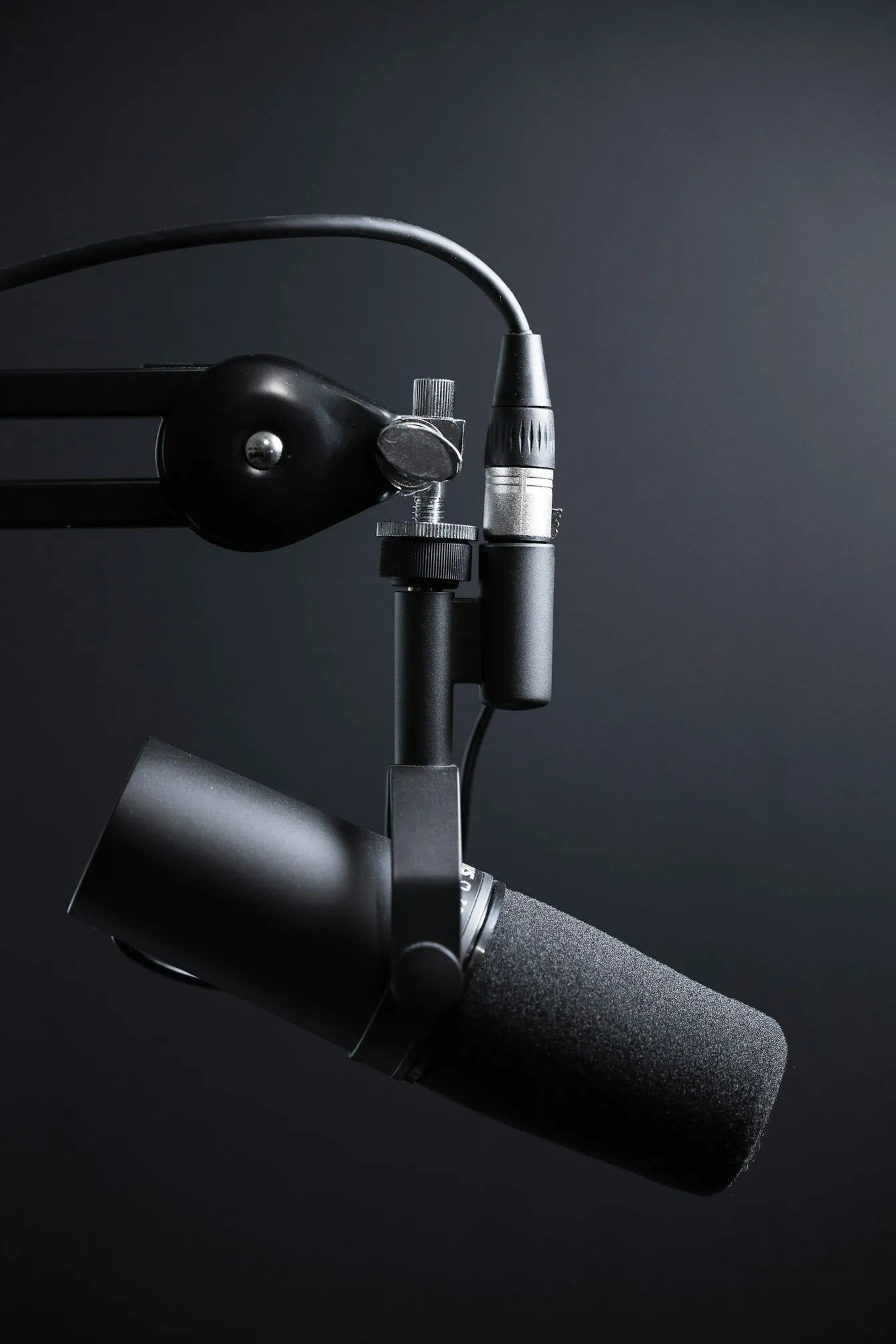
Gain staging is the quiet discipline behind every clean recording: setting sensible signal levels at each point in the chain so noise stays low and headroom stays untouched.
Plugins cannot restore a clipped take, and nobody enjoys a hiss floor under a whispered vocal. Gain staging prevents both problems before they exist. The idea is simple: keep the signal comfortably loud relative to the noise floor, but far enough below clipping that surprises never distort. Doing it consistently takes a five-minute routine.
Where gain lives in your chain
Signal passes through several gain stages between instrument and hard drive: the microphone capsule, the preamp on your interface, any outboard processing, the converters, and finally the recording level inside your software. Each stage can add noise or clip. Healthy gain staging sets each stage so the signal is amplified early, cleanly and only where necessary, rather than boosting a weak signal later and amplifying its noise along with it.
Target levels that work in practice
Record with peaks landing comfortably below the digital ceiling, leaving headroom for transients and for any processing afterwards. A practical routine:
- Ask for performance volume during the level check, not a polite soundcheck version of it.
- Watch the input meters on the interface, not just the software meters, and set gain so the loudest passages peak well clear of the red.
- Check the quietest passages and confirm they sit clearly above the noise floor when you solo the track with faders down.
- Leave it alone once set, unless the performance dynamics genuinely change.
The three classic mistakes
The first is recording hot out of fear, then discovering the take clipped on an unexpected shout or cymbal crash; digital clipping is unfixable. The second is stacking gains, for example cranking a software input boost on top of a maxed preamp, which raises the noise floor and distorts before the meter admits it. The third is judging by headphones alone, where a loud monitoring signal masks the fact that the actual recording is starved of level. Meters at the recording point tell the truth; comfort in the headphones does not.
Gain staging with processing while tracking
If you print compression or equalisation while recording, set the raw input level first, then the processor, then verify the combined output level. Compressors raise quiet passages, so what looked like healthy input can end up hotter than expected after the compressor does its gain-up. Print light and conservative while tracking; heavy processing belongs in the mix where you can undo it.
A five-minute routine for every session
Before the first take: solo each source at performance volume, set preamp gain with peaks safely below clipping, check quiet passages against the noise floor, note the settings, and leave the chain untouched for the session. That habit, repeated, is most of what engineers mean by gain staging. When a project deserves a fully calibrated chain from microphone to master, our audio recording service provides it, and our demo-to-record walkthrough shows how tracked levels fit into a professional finish.
Frequently asked questions
How loud should my input signal be while recording?
Loud enough to sit far above the noise floor and quiet enough that the loudest performance peaks stay clearly below clipping. That window is wide; anywhere in it records cleanly, and headroom is always your friend.
Is it bad to record quiet and boost the level later?
Mildly quiet recordings are fine; a clean boost in the software is harmless. Extremely quiet recordings force large gains that lift the noise floor and any hiss along with the music, so aim for a healthy middle rather than either extreme.
Should I use a limiter while recording to prevent clipping?
Prefer correct gain over safety limiters. A limiter that saves a take also flattens its transients permanently. Set gain properly, watch meters, and keep the limiter as an emergency tool rather than a habit.
Want recordings that arrive clean, distortion-free and ready to mix? Book your session with Sinus Media and let an engineer handle the chain end to end.
Keep Reading