
 Music Production
Audio Interface Buying Guide: Choose the Right One
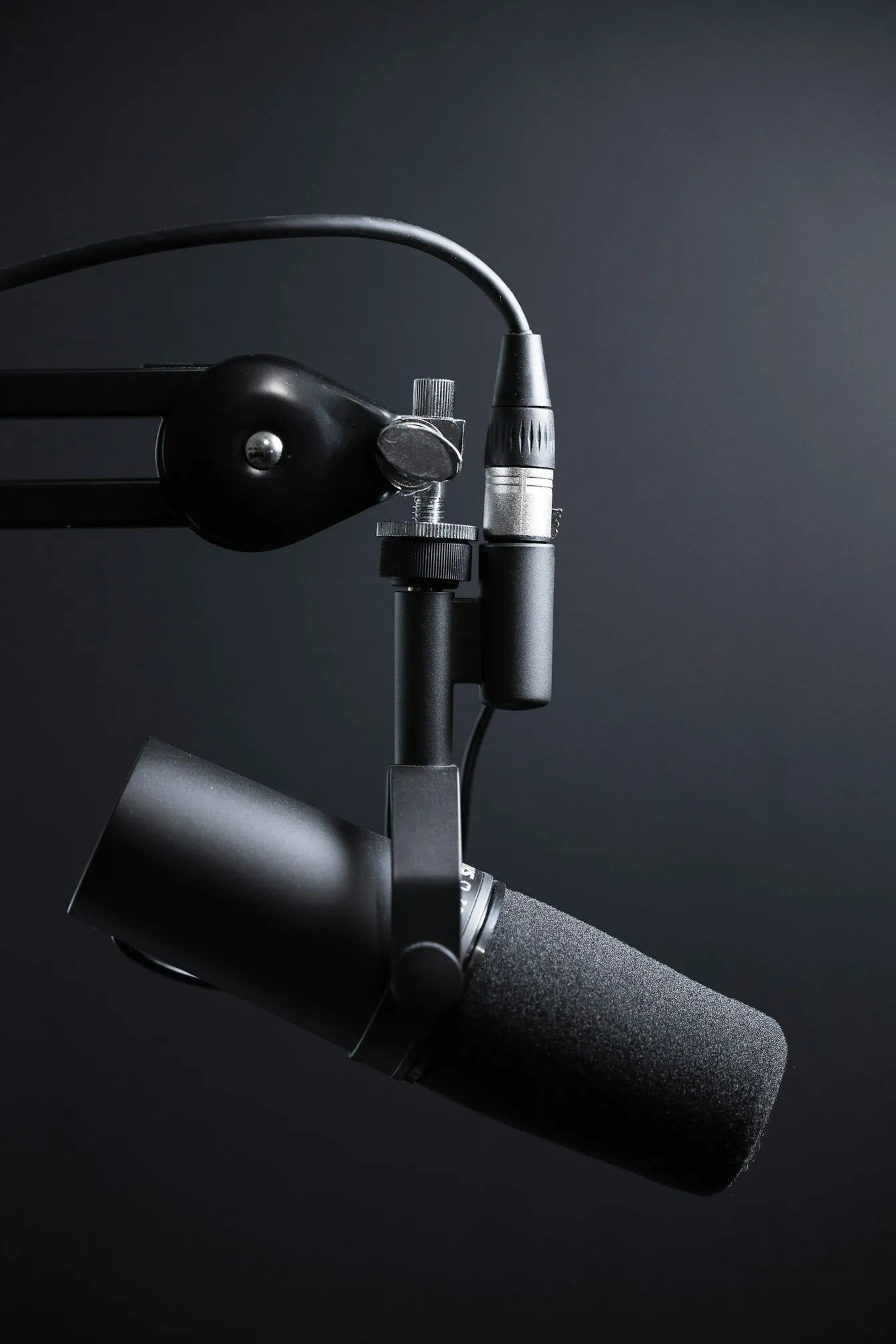
An audio interface is the heart of every home studio: it converts your microphones and instruments into data your computer can record, and turns your mix back into sound you can trust.
Buying one is confusing because specifications are noisy: inputs, preamps, converters, latency, phantom power, monitoring. This guide walks through what actually matters for recording music at home, in the order you should think about it, so you end up with an interface that fits your songs rather than a spec sheet.
What an interface actually does
At its core, an interface performs two jobs. On the way in, its preamps raise microphone and instrument signals to a healthy level and its converters turn that analogue signal into digital audio. On the way out, it reverses the process so your monitors and headphones receive a faithful playback of your session. Everything else, from direct monitoring to metering, exists to support those two jobs. If you are new to how recording fits into a full song, our overview of what music production involves gives useful context.
Inputs and outputs: match them to your work
Count what you record today and what you will realistically record in a year:
- Solo vocals or guitar: one or two inputs are enough, ideally one XLR with phantom power and one instrument input.
- Vocals plus a partner or podcast guest: two identical microphone channels keep levels matched.
- Drums or a small ensemble: four to eight inputs change everything, so plan before you buy.
Outputs matter too: a pair of monitor outputs, a headphone output with its own volume control, and spare line outputs if you ever plan outboard processing or cue mixes.
Preamps, conversion and latency
Modern interfaces at every level convert audio cleanly enough for release-quality records; the audible differences live mostly in preamp gain range, noise floor and how the unit behaves with low-output dynamic microphones. Look for honest gain figures rather than marketing adjectives, and check that the gain range covers quiet dynamic sources and hot condensers alike. Latency, the delay between playing and hearing yourself, depends on drivers and buffer settings more than price; a stable driver with reliable direct monitoring solves the problem of hearing yourself while tracking.
Features that quietly matter
- 48-volt phantom power with an individual or global switch for condenser microphones.
- Direct monitoring that routes your input to headphones without round-tripping through the computer.
- Physical gain knobs with clear metering, because precise levels beat software sliders every session.
- Solid construction and a warranty you can claim locally, since interfaces live on desks and travel to sessions.
A simple decision path before you buy
Write down your recording scenarios, choose the input count that covers the biggest one, set a budget that leaves money for one good microphone and basic acoustic treatment, then audition two or three models at a dealer or a friend's studio. When a project needs more inputs or a treated room than you have at home, hiring a professional space is cheaper than accumulating gear; our audio recording service exists exactly for sessions that outgrow a bedroom setup.
Frequently asked questions
How many inputs do I actually need?
One per source you want to record simultaneously. A singer-songwriter works comfortably with two; a drum kit wants eight or more. If you record sources one at a time, two inputs cover almost everything, and money saved is better spent on microphones and treatment.
Does a costlier interface make my recordings sound better?
Only up to a point. Room acoustics, microphone choice, placement and performance shape recordings far more than converter chips. Spend on the room and the source first; upgrade interfaces when you need more inputs, better gain staging or a specific feature such as stronger direct monitoring.
Do I need an interface if I only write with virtual instruments?
Technically no, since many controllers can connect directly to a computer. But an interface gives you accurate monitoring, low-latency playing and the option to record real audio later, which is why most producers add one early.
Unsure which setup suits your next project? Get in touch with Sinus Media and we will help you decide between building a home rig and booking a fully equipped room.
Keep Reading